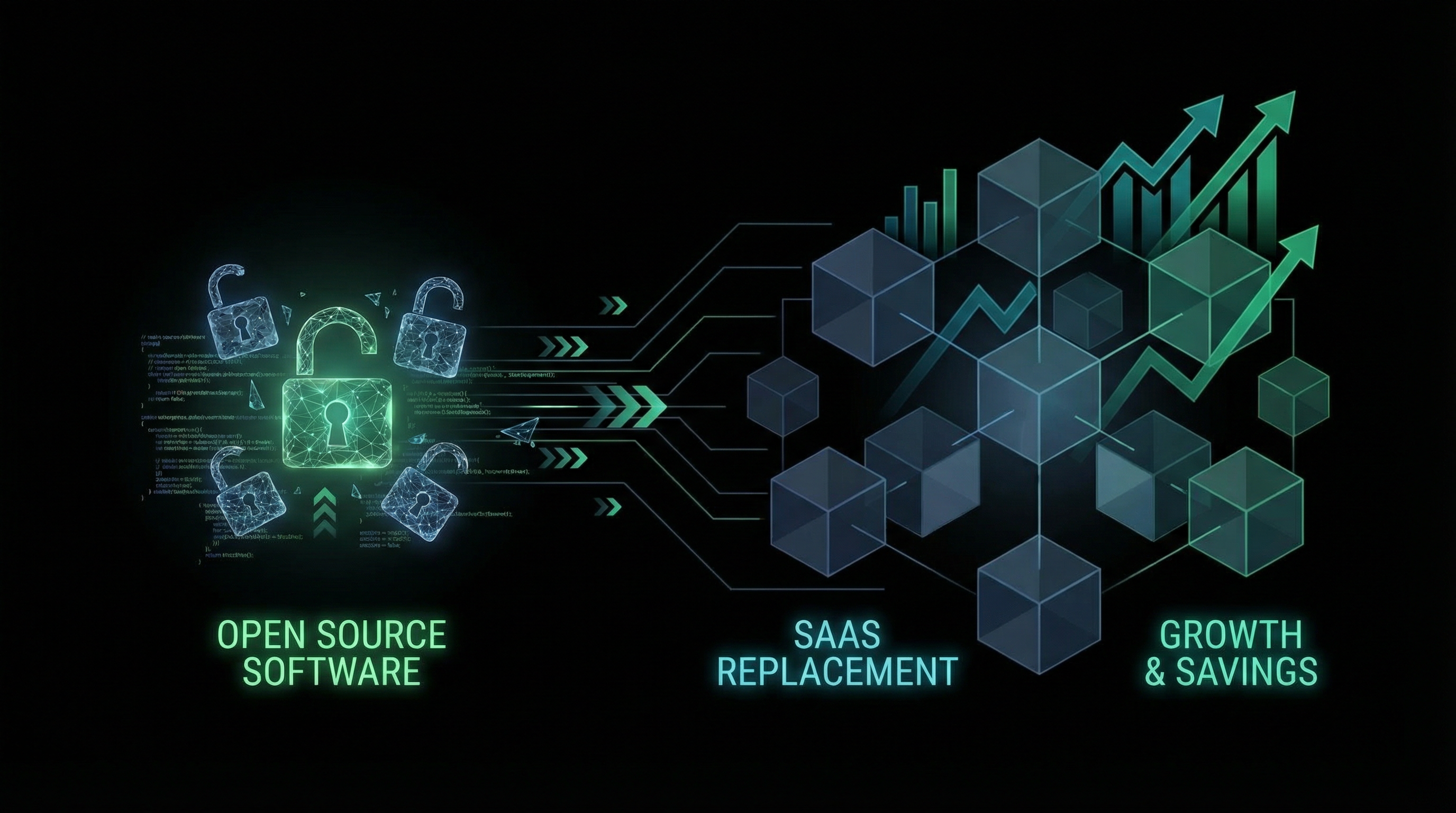
Replacing SaaS with Open Source: A Strategic Guide
SaaS subscriptions have a way of accumulating. What starts as a few hundred dollars monthly can quickly balloon into tens of thousands—or more—as your organization grows. But there's an alternative: replacing expensive SaaS products with open-source solutions you control.
The SaaS Cost Problem
The average company now uses over 100 SaaS applications, with costs growing 15-20% annually. Per-seat pricing models mean costs scale linearly with headcount, while the value delivered often doesn't.
Common high-cost SaaS categories include:
- CRM systems: $150-300/user/month at enterprise tiers
- Project management: $25-50/user/month
- Communication tools: $15-30/user/month
- Analytics platforms: $500-5,000+/month
- Security tools: $10-50/user/month
For a 100-person company, these costs can easily exceed $500K annually.
The Open Source Alternative
High-quality open-source alternatives exist for most SaaS categories:
| SaaS Category | Popular SaaS | Open Source Alternative |
|---------------|--------------|------------------------|
| CRM | Salesforce, HubSpot | SuiteCRM, Twenty |
| Project Management | Asana, Monday | OpenProject, Plane |
| Communication | Slack | Mattermost, Rocket.Chat |
| Analytics | Mixpanel, Amplitude | PostHog, Plausible |
| E-Signature | DocuSign, PandaDoc | DocuSeal |
| Email Marketing | Mailchimp | Listmonk, Mautic |
Calculating True TCO
When evaluating SaaS replacement, consider total cost of ownership:
SaaS Costs
- Subscription fees
- Per-seat charges
- Overage fees
- Integration costs
Open Source Costs
- Hosting/infrastructure
- Implementation
- Maintenance and updates
- Training
In most cases, open-source TCO is 40-70% lower, with savings increasing over time as you avoid per-seat scaling.
When to Replace vs. Keep SaaS
Replace SaaS when:
- Per-seat costs are significant
- You've outgrown the feature set
- Data privacy/sovereignty is a concern
- Integration limitations are blocking you
- You have technical capacity to maintain
Keep SaaS when:
- The tool is mission-critical with no good alternatives
- Your team lacks maintenance capacity
- The SaaS provides unique value (AI features, data, network effects)
- Cost is genuinely reasonable for value delivered
Implementation Strategy
- Audit current SaaS spend: Create a comprehensive inventory
- Prioritize by impact: Start with highest-cost or most painful tools
- Evaluate alternatives: Test open-source options thoroughly
- Plan migration carefully: Data migration is often the hardest part
- Build internal capacity: Train team or partner with experts
- Monitor and optimize: Track costs and performance post-migration
Case Study: The Real ROI
One Syntas client replaced their e-signature solution with an open-source alternative we customized and integrated with Salesforce. Results:
- Annual savings: $48,000 (from $52K to $4K in hosting)
- Implementation cost: $35,000 (one-time)
- Payback period: 9 months
- 5-year savings: $220,000+
How Syntas Can Help
Our SaaS Conversion practice specializes in identifying replacement opportunities, implementing open-source solutions, and providing ongoing support. We handle the technical complexity so you can focus on the savings.
Ready to reduce your software costs? Contact us for a SaaS audit.